





Printing and scanning is changing and becoming more secure.
Over the next year, Microsoft is introducing important security improvements that affect how printing and scan-to-email work in modern workplaces. These changes are designed to better protect users, devices, and data, but they may also require some updates to existing printer setups.
Two of the key changes you may hear about are OAuth authentication and Windows Protected Print (WPP). While they address different parts of the document journey, they share the same goal: reducing security risks caused by older, password-based authentication and driver-heavy printing methods.
For many years, office printing and scanning worked the same way. Drivers were installed locally, and scan-to-email often relied on stored usernames and passwords. While convenient, these approaches have increasingly been seen as security weak points. Microsoft’s move away from legacy authentication, alongside past print-related vulnerabilities, makes a more secure approach necessary.
These changes aren’t about removing functionality, they’re about making print and document workflows safer, more resilient, and easier to manage. With the right preparation and support, organisations can transition smoothly.
OAuth authentication: modernising scan-to-email
In 2027 Microsoft is updating how devices send email as part of a wider security upgrade across Microsoft 365 and Exchange Online.
Many MFDs send scanned documents by logging into an email account in the background. Traditionally, this relied on older, password-based sign-in (Basic SMTP authentication), with usernames and passwords stored directly on the device. Microsoft is now switching off this older method.
How this could affect your business
From Mid-2027, Basic Authentication will no longer be supported. Some changes are already being enforced, which means scan-to-email and other email-based functions could stop working if devices aren’t updated.
If your devices connect to Microsoft Exchange Online, the following features may be affected:
- Scan to email
- Internet fax
- Fax to mail
- Mail to print
- Automated email notifications, such as counters, job logs, or error alerts
Devices may display error messages like “550 5.7.30 – authentication failed”, making the issue difficult to diagnose.
This change only affects how devices send email. Core functions such as printing, copying, scan to folder, and USB scanning are not affected.
The below dates are accurate at time of publishing, find the latest update from Microsoft here.
- Now to December 2026: SMTP AUTH Basic Authentication behaviour remains unchanged.
- End of December 2026: SMTP AUTH Basic Authentication will be disabled by default for existing tenants. Administrators will still be able to enable it if needed.
- New tenants created after December 2026: SMTP AUTH Basic Authentication will be unavailable by default. OAuth will be the supported authentication method.
- Second half of 2027: Microsoft will announce the final removal date for SMTP AUTH Basic Authentication.
How OAuth authentication works
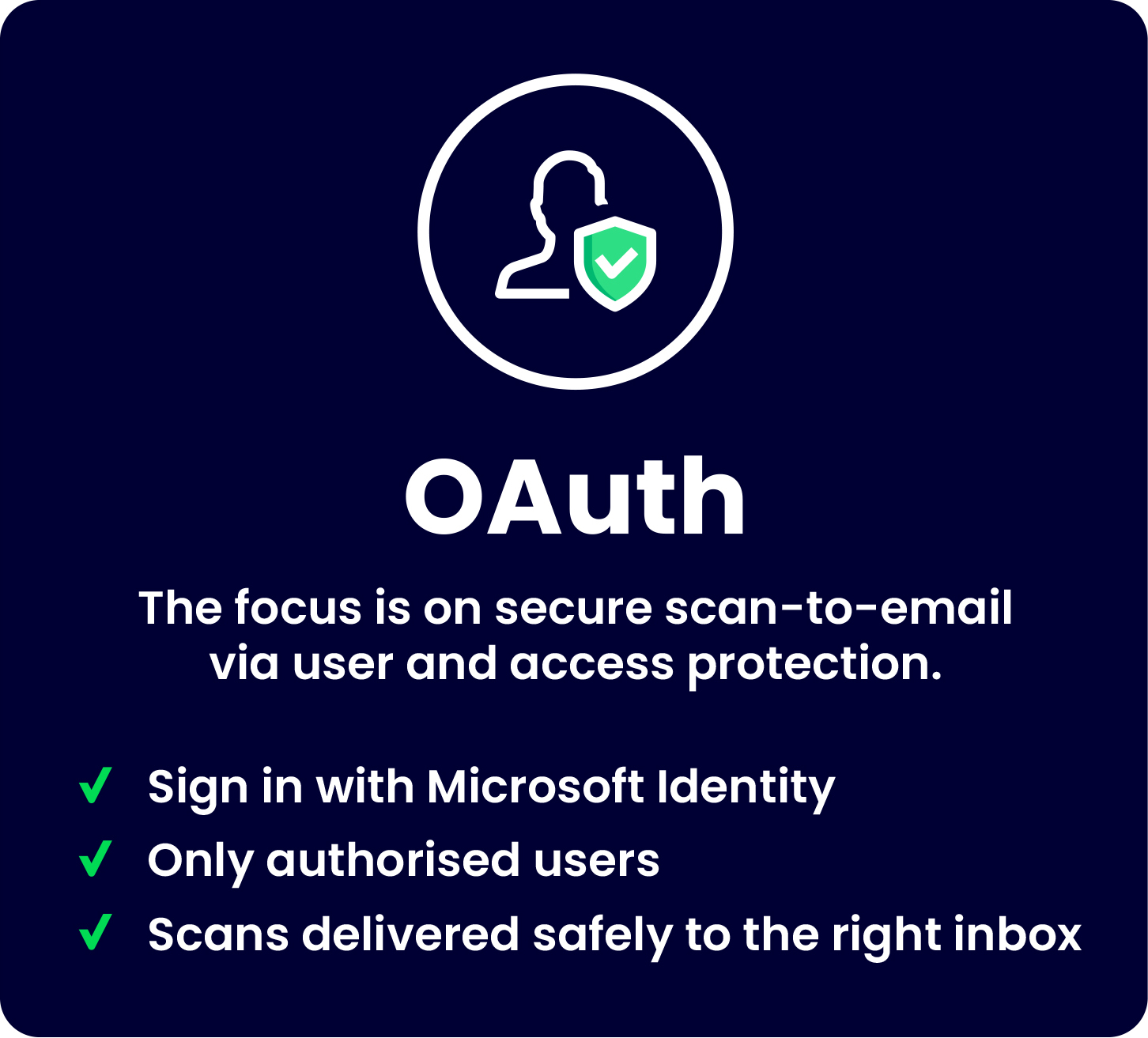
OAuth is a modern, secure way for devices to send email without storing passwords. Instead of username/password logins, MFDs and printers use temporary access tokens, which grant limited, controlled permission to send messages.
This reduces the risk of compromised credentials or unauthorised access and aligns your devices with Microsoft’s modern security standards. OAuth is widely used across business applications and provides a safer, more future-ready way to keep scan-to-email workflows running smoothly.
We’re already helping customers review devices, update configurations, and make a smooth transition scan-to-email to OAuth.
How to get ready for OAuth
- Raise this topic with your IT support/email provider in the first instance, to see if you will be affected by Microsoft’s change.
- If so, check if your MFD supports OAuth 2.0 (a quick Google search can usually assist here, e.g. “Does a Canon DX C5840i support OAuth 2.0?”.
- Update your MFD scan to email settings to use OAuth 2.0.
- Some devices may require a firmware update.
- Log a support ticket with Agilico if you require any support or guidance in making these changes.
Windows Protected Print: Keeping devices safe
For the last 25 years, Windows used the same printing system. Users could install printer drivers easily, without administrator approval. While convenient, this approach introduced security risks, including vulnerabilities like the ‘PrintNightmare’ flaw, which allowed attackers to exploit outdated drivers.
To address these risks, Microsoft has introduced several improvements, including the Modern Print platform and Windows Protected Print (WPP).
Microsoft’s Modern Print platform is the underlying technology that powers driverless printing and ensures better compatibility and consistency across devices. Windows Protected Print (WPP) is a special security mode that enforces Modern Print, blocking older, less secure drivers and running print jobs with limited access, which reduces the risk of driver-related vulnerabilities. Think of it as a strict security layer that ensures your printers use only the modern, safe way to print.
How it works
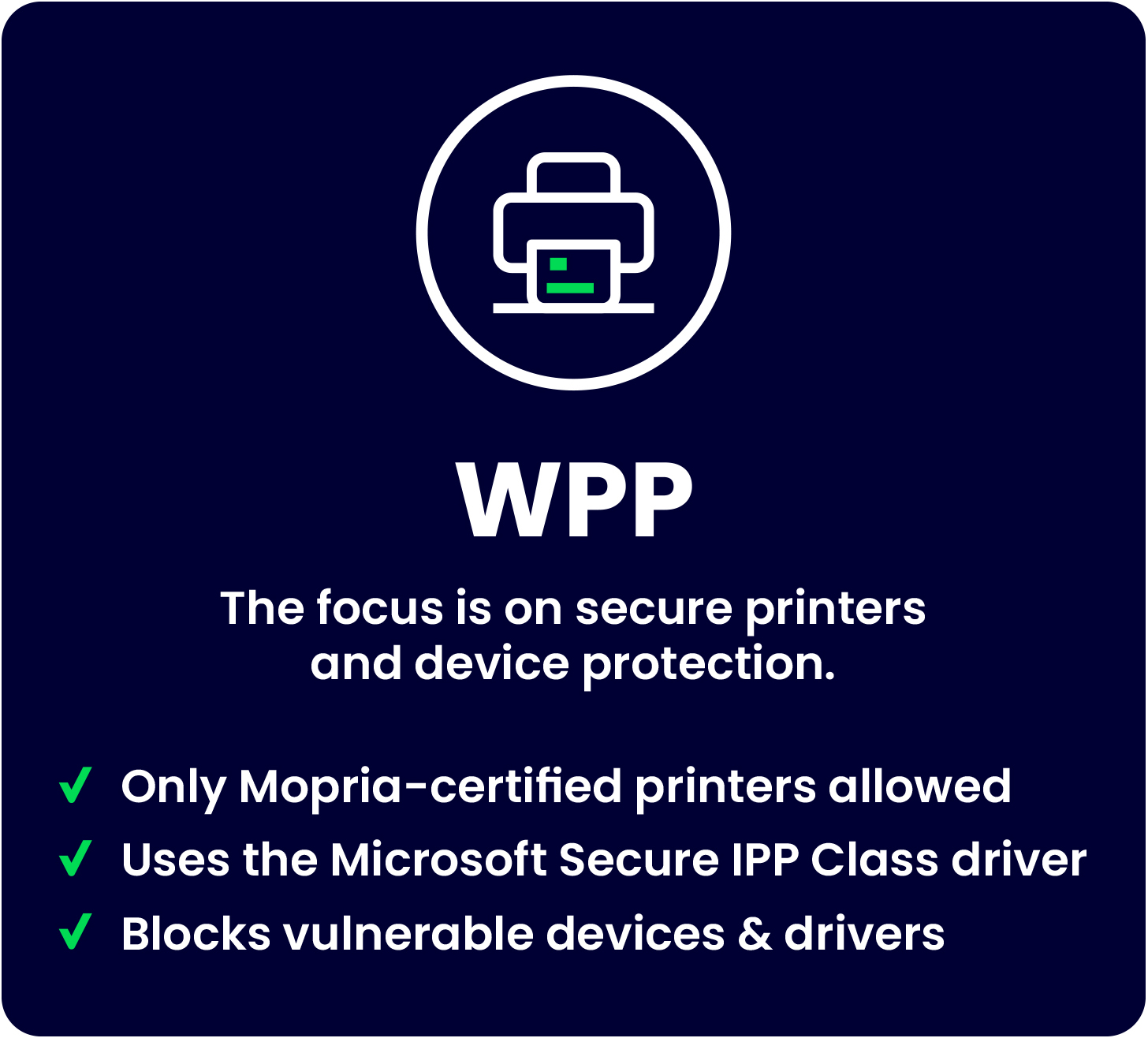
- Older, vulnerable print drivers are blocked.
- Only Mopria-certified printers (a universal standard for printers and scanners) are supported.
- Printing uses the Microsoft IPP class driver, designed for better security and reliability.
WPP can be enabled manually today and is expected to become the default in future versions of Windows.
How this could affect your business
- Old drivers may stop working – WPP blocks all V3 and V4 printer drivers.
- Printers that aren’t Mopria-certified may not be recognised.
- Print jobs sent to unsupported devices could fail or remain stuck in the queue.
With proper planning, these issues can be avoided before WPP is enabled, ensuring a smooth, secure printing experience for your office.
How Agilico can help
We’re already preparing for these changes and supporting customers at every stage. This includes:
- Reviewing printer fleets for OAuth and WPP readiness
- Assisting customers updating scan-to-email configurations to meet Microsoft’s security requirements
- Advising on device compatibility and future-proof print strategies
- Helping teams transition with minimal disruption
Print is changing, but with the right approach, it doesn’t have to be complicated.
Ready to print and scan more securely?
Contact our friendly team using the form below to learn how your office can upgrade to WPP and OAuth before the deadlines arrive.